
ScreenSpy
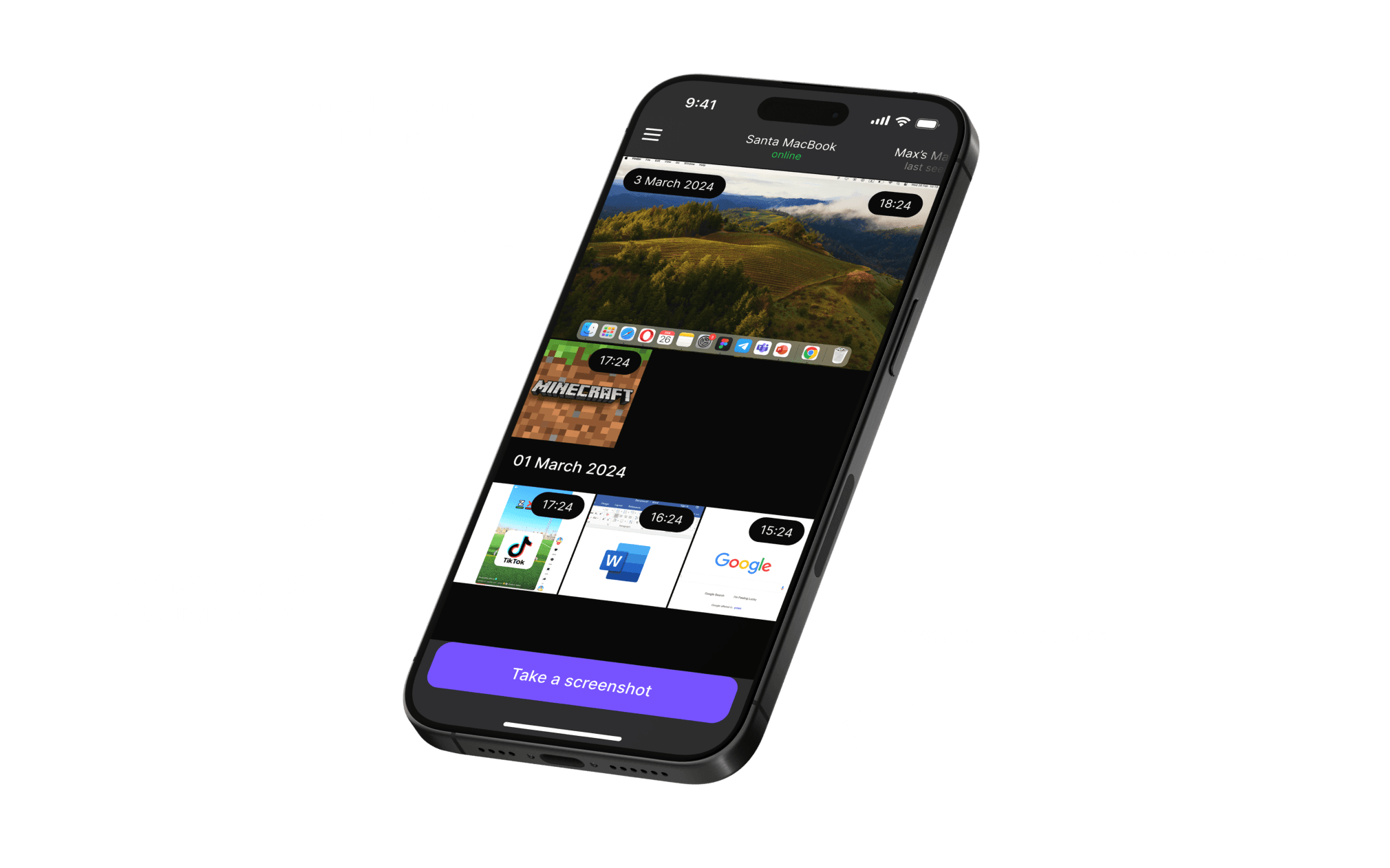
Monitor your PC or Mac's desktop remotely in real time. Check what your kids are doing on the computer from anywhere — and get a peace of mind, no matter where you are.



How It Works
-
Install the ScreenSpy Agent
Install the ScreenSpy agent on your PC or Mac.
-
Connect to the Mobile App
Instantly connect your computer to the ScreenSpy mobile app
-
Start Monitoring
With just a few taps, you can view your desktop live and see what websites, games, or apps are being used.
Why ScreenSpy
Real-Time Monitoring
Get an instant view of your PC's desktop, so you always know what’s happening
Easy to Use
Install ScreenSpy agent on your computer, connect to the mobile app, and start monitoring.
Peace of Mind
Stay informed about your child's online activities, helping you ensure they're safe.
Get Started Today
Download ScreenSpy now to start keeping an eye on what matters most — your children's safety. Setup takes only minutes, and the peace of mind is priceless.